

In this article+
Since Opus 5.5 shipped, X has been full of product launch videos that look like they came out of a motion design studio. Chain built one with a talking avatar introducing a product.
Most of the tweets that went viral came from people claiming they'd made stunning, film-grade videos with a single prompt. That set off a wave of replies announcing the end of motion designers. It's not entirely true. Some of these videos really do come from one prompt; others sit on top of a 10,000-character director's brief, custom skills, MCP servers, API keys and close to ten hours of autonomous work by Claude.
A free gift is waiting at the end of this article: a Claude skill that makes these videos for you.Opus 5.5 doesn't make video. It writes the thing that makes video.
Opus 5.5 takes text and images in, and returns text: code. It can't output an MP4 directly. You give it a brief (text plus references: images, links, videos), and it writes code that takes one of three routes:
- 01Draw it from scratch: SVG/Canvas rendered frame-by-frame in a headless Chrome session, stitched with FFmpeg.
- 02Use a framework: Remotion, Hyperframes, Diffusion Studio.
- 03A mixed pipeline: image/video generation models (Higgsfield, AdscraftAI) composited together in code.
Longer prompts, longer runs
Prompt size and generation time, from figures shared by creators.
- 01One sentence15–50 min
Just the idea. Claude decides everything else.
~150 characters - 02Brand brief30–45 min
Adds the logo, colors and tone of the brand.
~350 characters - 03Scene-by-scene script1–2 h with fixes
Every scene and transition spelled out.
1.5k–3k characters - 04Director's brief6–12 h autonomous
Shots, pacing, sound and quality criteria.
9.5k–19k characters
Level 1: one sentence
The prompt most creators use fits in a single sentence:
make a dynamic 15-second motion graphics video that shows what an incredible motion designer you are, like it's your showreel for a résumé. go all out.
Why it works:
- 01"showreel for a résumé" sets a genre with known rules: fast cuts, a new technique every shot, the best work first. Opus already knows what a reel looks like.
- 02"what an incredible motion designer you are" makes the model the subject, so it shows off techniques instead of explaining a product. There's no content to get wrong.
- 03"15-second" is short enough to finish in one pass, and long enough for 6 to 8 shots.
- 04"go all out" works as an effort multiplier on top of xhigh or max.
Anatomy of a one-sentence prompt
Four fragments, each doing a specific job.
make a dynamic 15-second1 motion graphics video that shows what an incredible motion designer you are2, like it's your showreel for a résumé3. go all out4.
- 01
Duration
Finishes in one pass, room for 6 to 8 shots.
- 02
Subject
The model shows off techniques, no product to get wrong.
- 03
Genre
Known rules: fast cuts, best work first.
- 04
Effort
A multiplier on top of xhigh or max.
Drop this prompt as-is into a new project and Claude simply writes everything in a single file: HTML, CSS and JavaScript together.
Level 2: the brand brief
This is the level that actually matters: most of the time, we want to make content for our own products and companies. We keep the same base prompt and add a few lines: our website link, the brand's assets (real screenshots, logo, colors, fonts) and a shot-by-shot structure.
For the example, I'm using it on a product I really like: Chariow, the platform to create a store in 5 minutes and sell your digital products worldwide.
Make a dynamic 20-second motion graphics video for Chariow (chariow.com), with the energy of a motion designer's showreel. Go all out.

Assets
- Visit the site. Use real screenshots (Playwright), the real logo, real colors and fonts. Save everything to ./assets and list what you found before you animate.
- Never redraw the product UI from imagination. Crop and animate the real thing.

Story (one beat each, 2 to 4 seconds)
1. Hook: the problem in 5 words of huge kinetic type.
2. The product appears, the UI assembles itself piece by piece.
3. Three features, each as a UI moment with a cursor doing a real action.
4. One number that proves it works: 200,000+ creators.
5. Logo lockup + "Create your store in 5 minutes".

Sound
- Original music, 120 BPM, synthesized in code. UI clicks and whooshes on the beat.

Format: 1080x1920 (9:16) first, then 1:1 and 16:9 from the same timeline.
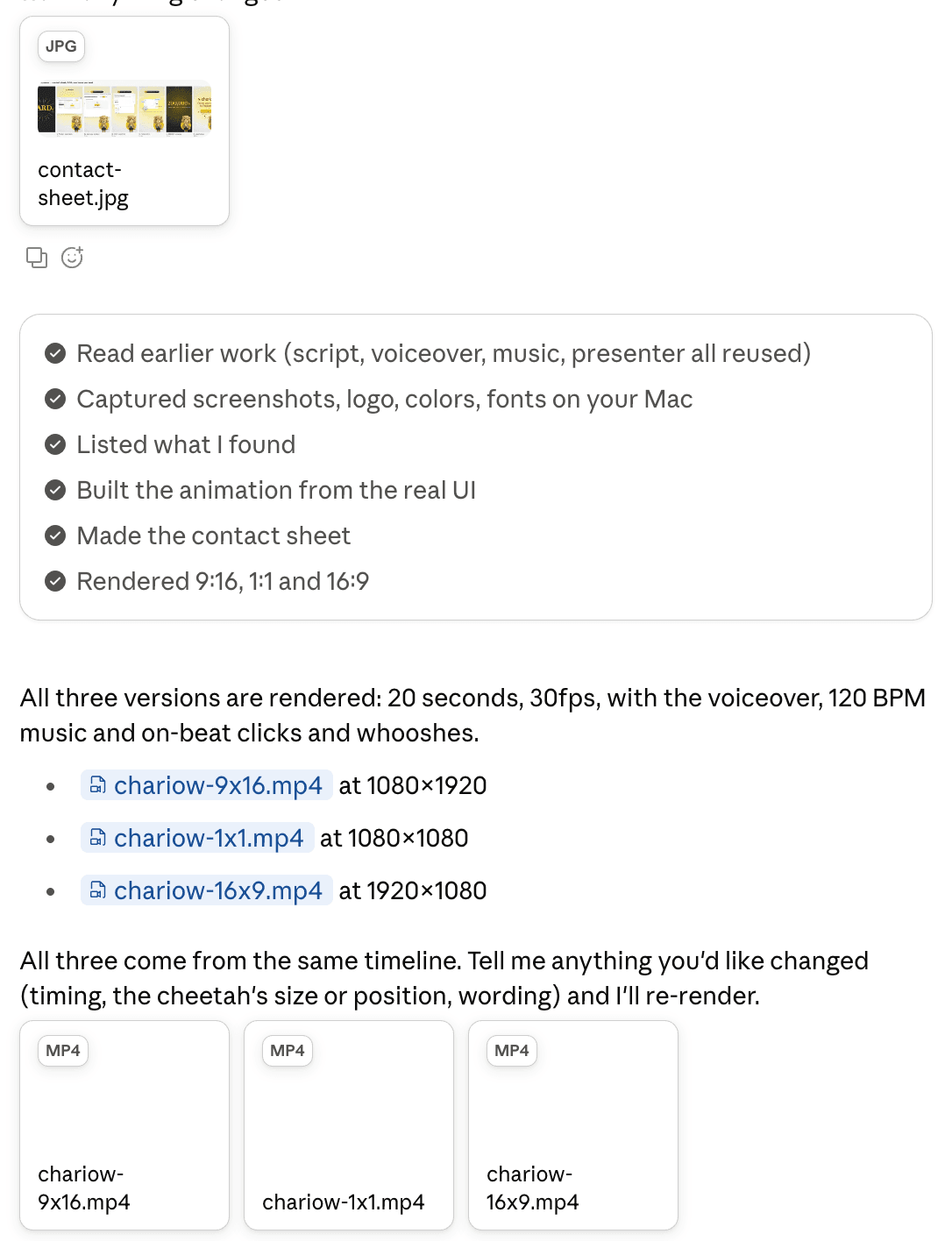
Before the full render, show me a contact sheet of one frame per beat.
20 seconds, five beats
How the brand brief splits the video. Example timing.
0–3s
Hook
The problem in 5 words
3–7s
Product
The UI assembles itself
7–15s
3 features
A cursor doing real actions
15–17s
Proof
200,000+ creators
17–20s
Logo + CTA
0–3s
Hook
The problem in 5 words
3–7s
Product
The UI assembles itself
7–15s
3 features
A cursor doing real actions
15–17s
Proof
200,000+ creators
17–20s
Logo + CTA
For your own product, swap in its name, URL, key number and call to action. We'll come back to music, VFX and voice-over further down: they're what makes the video truly dynamic.
Here's the result. To push it further, I created a mascot with Seedance 2.0 on AdscraftAI, then added a voice-over with ElevenLabs. The mascot gives the product a face and the voice-over tells its story: together, they sell it far better than a plain demo.
Level 3: the scene-by-scene script
This is where it gets hard: without a background in art direction or motion design, writing a good scene-by-scene script is tough. That's why it pays to start from references.
Since Opus 5.5 came out, hundreds of videos have been generated, and you can borrow from them. Skillry, for example, a site put together by a user on X, collects the viral videos made with Opus 5.5: each original sits next to a remake, along with the exact prompt the creator used.
But how do you take inspiration from a video? Not by copying its content: by understanding its grammar. Rhythm, palette, typography, transitions. To get there, ask Claude to download the video and analyze it before writing a single line of animation.
Borrow the grammar, not the content
What Claude takes from a reference video.
Keep
- +Color palette
- +Typography and how text moves
- +Rhythm and cuts
- +Transitions and camera moves
- +Composition
Leave out
- –Their product
- –Their copy
- –Their story
- –Their assets
In my case, I'm starting from this video:
And here's the prompt:
Here's a reference video: https://x.com/stokebuilder/status/2103896101120356793

1. Download it with yt-dlp, then extract one frame per second with FFmpeg.
2. Analyze its grammar, not its content:
- Color palette (hex codes) and how it shifts over time.
- Typography: fonts, sizes, weights, how text enters and leaves the frame.
- Rhythm: shot lengths, cuts, where the beats land.
- Transitions and camera moves.
- Composition and use of negative space.
3. Write it all up in ./reference/style.md, with a shot-by-shot breakdown (timing, what happens, technique used).

Don't reuse the reference's content, product or copy. Apply this grammar to Chariow with the assets in ./assets, and show me the scene-by-scene script before you animate.
Level 4: the director's brief
Time to level up. Here we're working from a prompt by Donald: 9,500 characters, dictated out loud in 5 minutes, that kept Claude running for 12 hours. He started the run, went to bed, and woke up to this:
His full prompt runs 9,500 characters. Here's its structure, as a template to fill in with your own project:
You are the director, animator, sound designer and render engineer for a [DURATION] film
made in code. Treat this as a multi-session production. Don't rush to a final render.

## The film in one line
[LOGLINE. What the viewer should feel at the end.]

## References and inputs
- ./refs/ : [video / frames / image library]. Take the grammar, never the content.
- ./audio/track.wav : use it unchanged. Measure beats with beats.py first.
- Skills available: [/remotion-best-practices | /hyperframes | /claude-animation].
- APIs in .env: [ELEVENLABS_API_KEY, FAL_KEY]. Budget: [$X]. Be economical.

## Look
[3-5 lines: palette, type, texture, camera language. Banned looks.]

## Beat sheet
0:00-0:02  hook: [the single most striking image]
0:02-0:10  [act 1]
...        a new visual payoff every 3-5 seconds
[END]      the last frame sets up the first frame (loop)

## Workflow, with gates
1. Write docs/style_guide.md and docs/shotlist.md (every shot: frames, camera, text, SFX).
   Show me the shot list. Then continue without waiting if I don't answer in 10 minutes.
2. Build stills for every shot. Contact sheet. Critique.
3. Animatic at 960x540 with placeholder audio. Fix pacing before polish.
4. Full animation, polish pass, sound pass, final render.
5. Split work across subagents per chapter. Write docs/ANIMATION_GUIDE.md first
   so every subagent codes in the same style.

## Critique loop (every shot, at least 3 rounds)
Render 3-5 stills, score 1-10 on: hook, readability at 360px wide, motion, composition,
depth, sound sync, polish. Log scores + 3 biggest problems in docs/review_log.md. Fix. Repeat
until all are 8+.

## Deliverables
out/final.mp4 · out/loop_check.mp4 · out/poster.png · out/contact.png · README.md
The critique loop
Run on every shot, at least 3 rounds.
- 01Render 3–5 stills
- 02Score 1–10 on 7 criteria
- 03Log the 3 biggest problems
- 04Fix
Why this prompt works so well:
- 01The critique loop forces Claude to grade its own work. It renders stills, scores itself from 1 to 10 on seven criteria, logs its three biggest problems and starts over until everything hits 8. Instead of shipping its first draft, the agent judges its own output, and quality climbs with every round.
- 02The gates stop you from polishing a bad idea. Shot list, then stills, then a low-res animatic: pacing is locked before hours go into the finish.
- 03The animation guide keeps subagents consistent. Each chapter goes to its own subagent, but they all code in the same style because they all read the same docs/ANIMATION_GUIDE.md.
- 04It's built to run without you. "Continue without waiting if I don't answer in 10 minutes" is what lets Claude work for 12 hours while you sleep.
And here's the final result: